LassoCut for car dealers and real estate: vehicles, furniture and backdrops
Dealers photograph cars on busy lots; agents and home stagers need furniture on its own for brochures and staging boards. LassoCut cuts out the vehicle or the object and can put it on your own backdrop, one photo at a time or automatically for every new listing.
The problem
Inventory photos are taken wherever the car is parked: next to other cars, under signs, against a changing sky. A listing page with twenty different backgrounds looks improvised, and the photos arrive every week, so any fix has to be automatic. Real estate has the same need at a smaller scale: a chair or a sofa from one photo, reused on a staging board or a flyer.
A real example
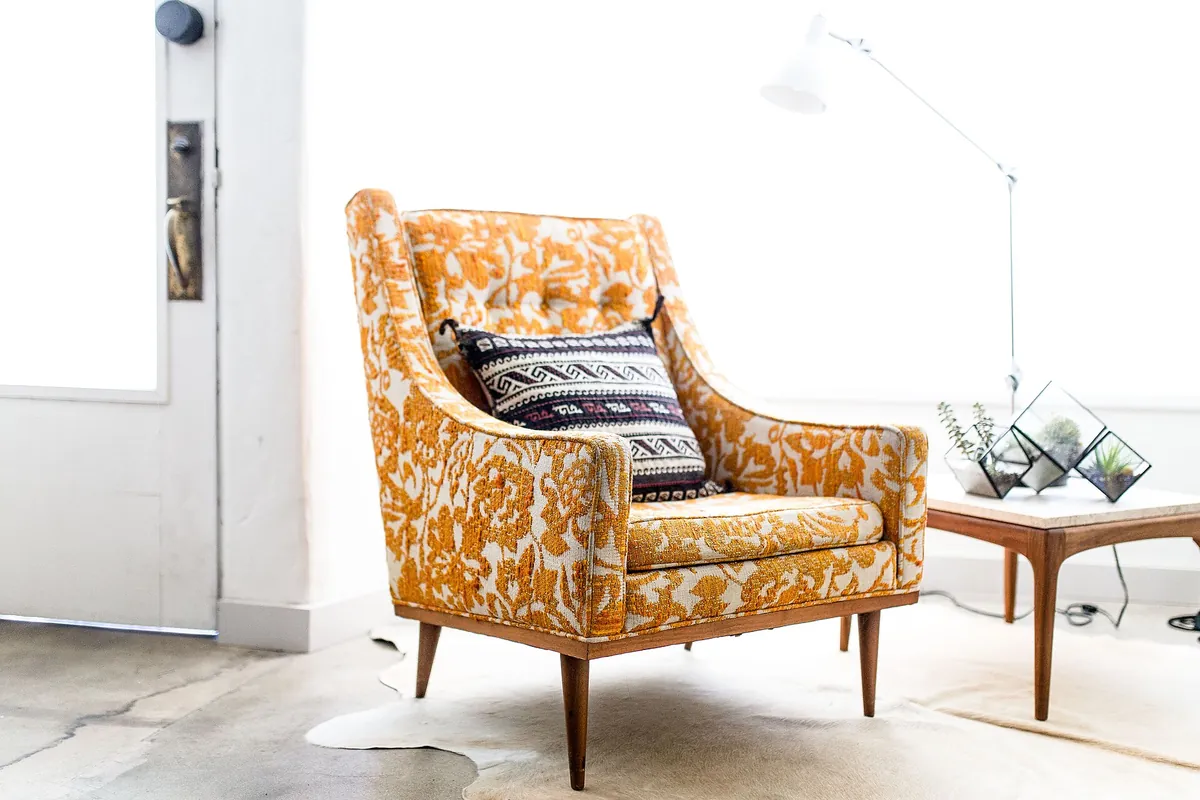
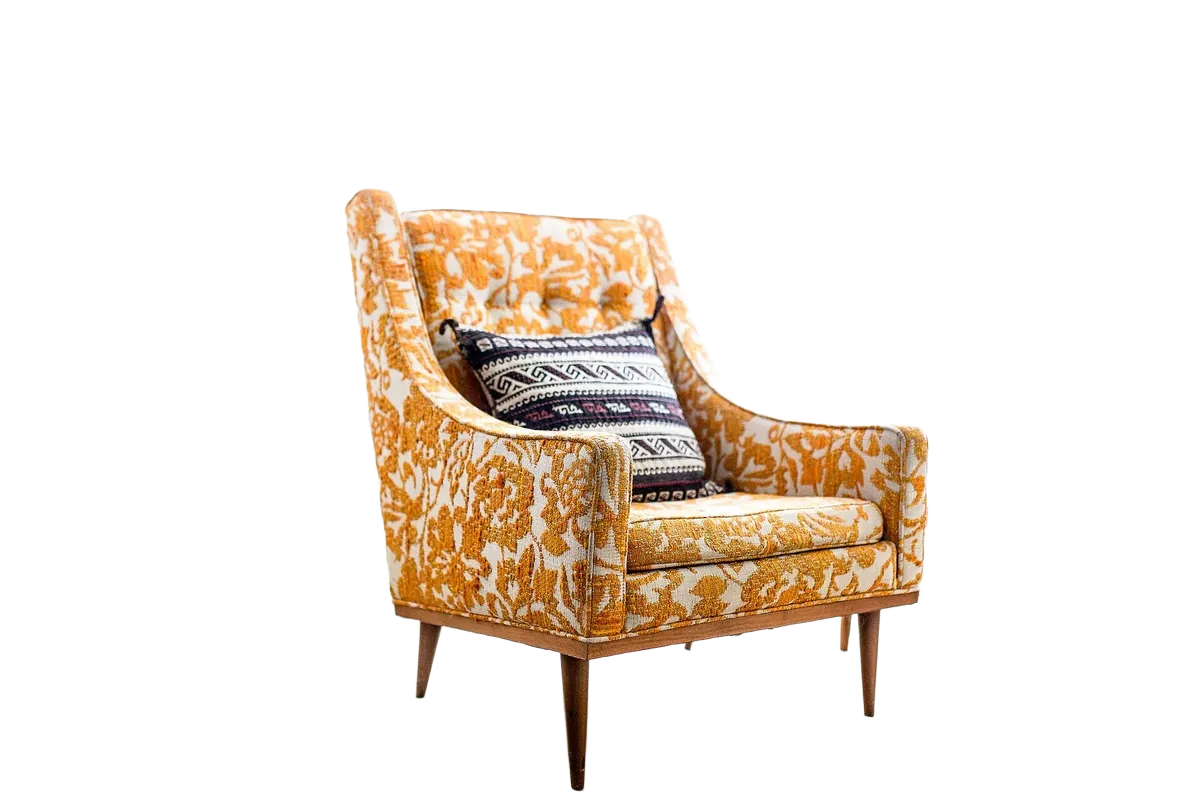
Photo first published on Unsplash under CC0 (public domain), via Wikimedia Commons; cut out by LassoCut through the API. Drag the slider to compare.
The right tool for you
- A branded backdrop for every vehicle: call the API with
type=carandbg_image_urlpointing to your showroom or brand image, so every car in your inventory sits on the same background. - Automatic, for every new photo: a Zapier, Make or n8n workflow can watch a Google Drive or Dropbox folder, send each new photo to LassoCut and save the result in another folder.
- A whole shoot at once: the batch tool processes a folder, with a transparent, white or colour background.
- One piece of furniture: try it on the home page, or use the Photoshop or GIMP plug-in to add it as a layer on your staging board.
Honest limits
- Car shadows are not drawn yet.
shadow_type=caris accepted but not drawn today; the drop shadow (shadow_type=drop) is. - LassoCut keeps a subject, it doesn't empty a room. It separates the main subject from its background; it is not a tool for removing furniture from an interior or restaging a room.
- Busy scenes: when several objects compete,
roi(a region of interest) tells LassoCut which part of the photo holds the subject you want.
What it costs
Full-size photos. A vehicle shot from twenty angles uses twenty credits, so the 100-credit pack covers five vehicles.
| Volume | Pack | Price | Per image |
|---|---|---|---|
| 100 photos | 100 credits | $9 | $0.09 |
| 1,000 photos | 1,000 credits | $39 | $0.039 |
| 10,000 photos | 10,000 credits | $249 | $0.0249 |
Prices in US dollars from the pricing page: 1 credit per full-size image, 0.25 credit per preview, 50 free previews a month (up to 10 a day). No subscription, and purchased credits do not expire. Unused credits stay on your account for the next listings.
Questions
Can every car sit on the same showroom background?
Yes: send your backdrop with bg_image_url or bg_image_file and every result is placed on it. Use scale and position to keep the vehicles the same size and in the same place.
Does LassoCut draw the shadow under the car?
Not yet: the car shadow type is accepted but not drawn today. A drop shadow is available with shadow_type=drop.
Can it remove the furniture to show an empty room?
No. LassoCut keeps the main subject and removes what is around it, so it suits cutting out a piece of furniture, not emptying an interior.
How do I process new listing photos without doing anything?
Connect a shared folder to LassoCut with Zapier, Make or n8n: each new photo is cut out and saved to a results folder. See the platforms page.
Try it on your own photo
Drop an image on the home page to see the cut-out, then create an account for 50 free previews a month (up to 10 a day).
See also: subject types · Zapier · all platforms · pricing · moving from remove.bg · other use cases.
Related features: backgrounds · HD cut-outs · crop and framing.