LassoCut for marketplace sellers: listing photos that follow the rules
Marketplaces publish their own photo rules. Here is what Amazon and eBay ask for, quoted from their own pages, and the LassoCut settings that produce matching images: a pure white background, the product large in the frame, and enough pixels for zoom.
The problem
A marketplace listing is judged against rules you don't control, and each marketplace words them differently. A photo that looks fine on your own site can be off-white, too small for zoom, or framed too loosely for a marketplace. Fixing it after the listing is live costs time on every product.
What Amazon and eBay ask for
Read on the marketplaces' own pages on 29 September 2026. Rules change: check the linked page before a large upload.
Amazon
From Amazon's seller guide “6 tips for taking product photos in 2025” (sell.amazon.com, dated 4 December 2024):
- “In most cases, product shots should be taken against a white background (RGB color values: 255, 255, 255).”
- “Have the product fill 85% or more of the frame.”
- “We prefer images larger than 1,000 pixels on each side to allow for zoom…”
- All images must be 500 to 10,000 pixels on their longest side, in JPEG, TIFF, PNG or non-animated GIF.
The same page sends sellers to Seller Central for the full requirements: Amazon product image guide.
eBay
From eBay's picture policy: photos with added borders, with added text, artwork or marketing material, and watermarks of any type are not allowed, and photos must be at least 500 pixels on the longest side. eBay's help on adding pictures recommends images of about 1600 × 1600 pixels and a neutral backdrop, adding that white backgrounds are generally best, but that a darker background may work better for shiny or reflective items.
LassoCut settings that match
| Setting | Value | Why |
|---|---|---|
bg_color | ffffff | Fills everything around the product with RGB 255, 255, 255. |
crop and crop_margin | true, 4% | Crops to the product with a small margin, so it fills most of the frame. Check the result against Amazon's 85% guideline yourself: LassoCut does not measure it. |
size | full | Keeps the original resolution, up to 25 MP. A preview (up to 0.25 MP, about 500 × 500 pixels for a square photo) is too small for Amazon's zoom preference. |
format | jpg | A white background needs no transparency, and JPEG is on Amazon's list of accepted formats. |
LassoCut never adds text, borders or watermarks to a result. These parameters work with the API, and the AI assistant connector can apply them when you ask for “full size, on white, cropped to the product”. The batch tool covers the white background, full size and JPG, without the crop.
A real example
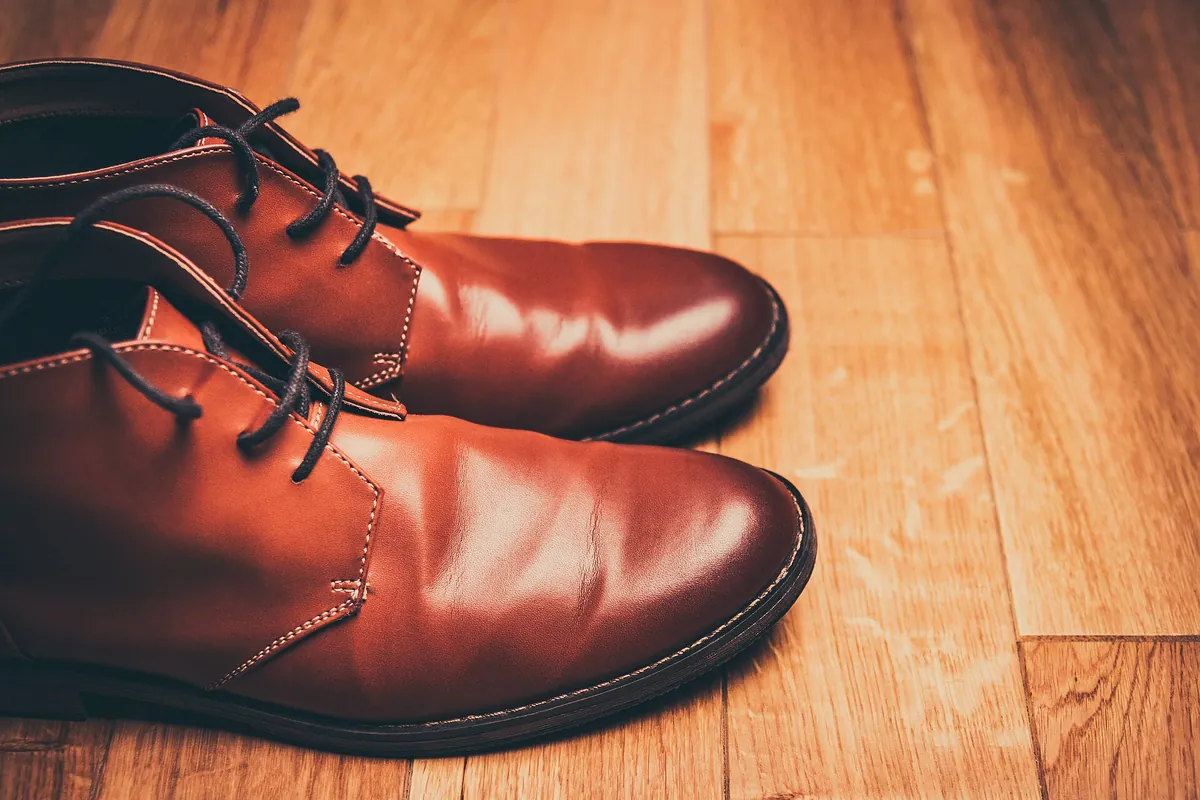
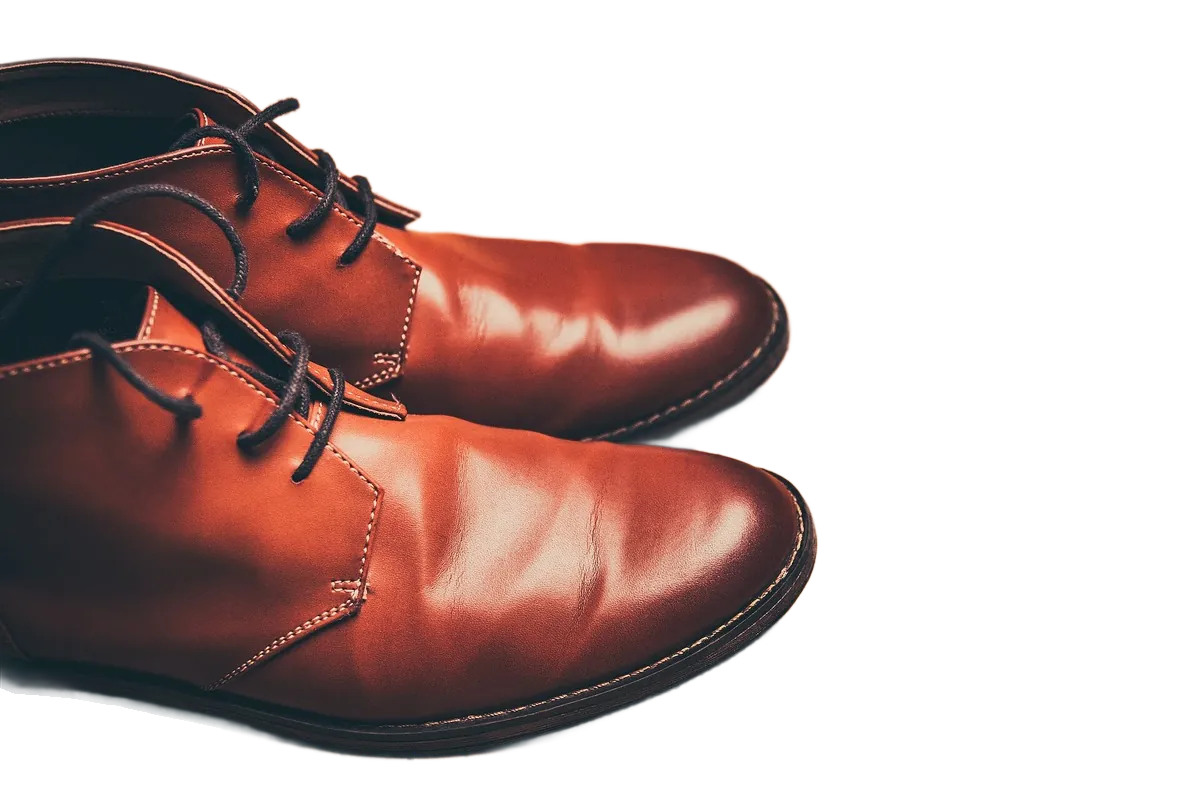
Shown here on a transparent background; for a listing, add bg_color=ffffff. Photo first published on Unsplash under CC0 (public domain), via Wikimedia Commons; cut out by LassoCut through the API. Drag the slider to compare.
What it costs
Full-size images, the size marketplaces need for zoom, for a seller with a few hundred products, a large catalogue, and a multi-marketplace operation.
| Volume | Pack | Price | Per image |
|---|---|---|---|
| 1,000 listing photos | 1,000 credits | $39 | $0.039 |
| 10,000 listing photos | 10,000 credits | $249 | $0.0249 |
| 100,000 listing photos | 100,000 credits | $1,500 | $0.015 |
Prices in US dollars from the pricing page: 1 credit per full-size image, 0.25 credit per preview, 50 free previews a month (up to 10 a day). No subscription, and purchased credits do not expire.
Questions
Does a LassoCut image pass Amazon's image review?
LassoCut takes care of the background colour, the crop and the resolution. What the photo shows (the product itself, props, packaging, how much of the frame it fills) is up to you, and each marketplace reviews listings under its own rules.
Is the white really RGB 255, 255, 255?
Yes: bg_color=ffffff fills the background with exactly that colour. Save as JPG or PNG; both keep it.
What about Zalando, Etsy or other marketplaces?
This page only quotes rules we could read on the marketplace's own pages. For any other marketplace, check its seller help before a large upload; the LassoCut settings above can be adjusted to any background colour or margin.
Can I keep a soft shadow under the product?
Yes: add shadow_type=drop to draw a drop shadow under the product. Check your marketplace's rules for main images first.
Try it on your own photo
Drop an image on the home page to see the cut-out, then create an account for 50 free previews a month (up to 10 a day).
See also: e-commerce stores · API parameters · all platforms · pricing · moving from remove.bg · other use cases.
Related features: backgrounds · crop and framing · batch processing.