LassoCut batch processing: a folder in, a folder of cut-outs out
A shoot, a catalogue refresh or a year of listings: LassoCut processes hundreds of photos in one run, from the browser, the command line, WordPress or your own script, on the same account and the same credits.
Four ways to run a batch
| Tool | Best for | What it does with a folder |
|---|---|---|
| Batch tool (browser) | No install, no code | Takes a folder, subfolders included, and writes the results to a folder (Chrome, Edge) or a ZIP |
| LassoCut CLI | Scripts and servers | Same flags as the remove.bg CLI; results keep the -removebg suffix |
| WordPress plugin | WooCommerce shops | Bulk action in the Media Library and on product photos; originals kept |
| API loop | Your own pipeline | Any language; one call per image |
From an AI assistant, the MCP connector also takes a folder, up to 50 images per request.
What comes out
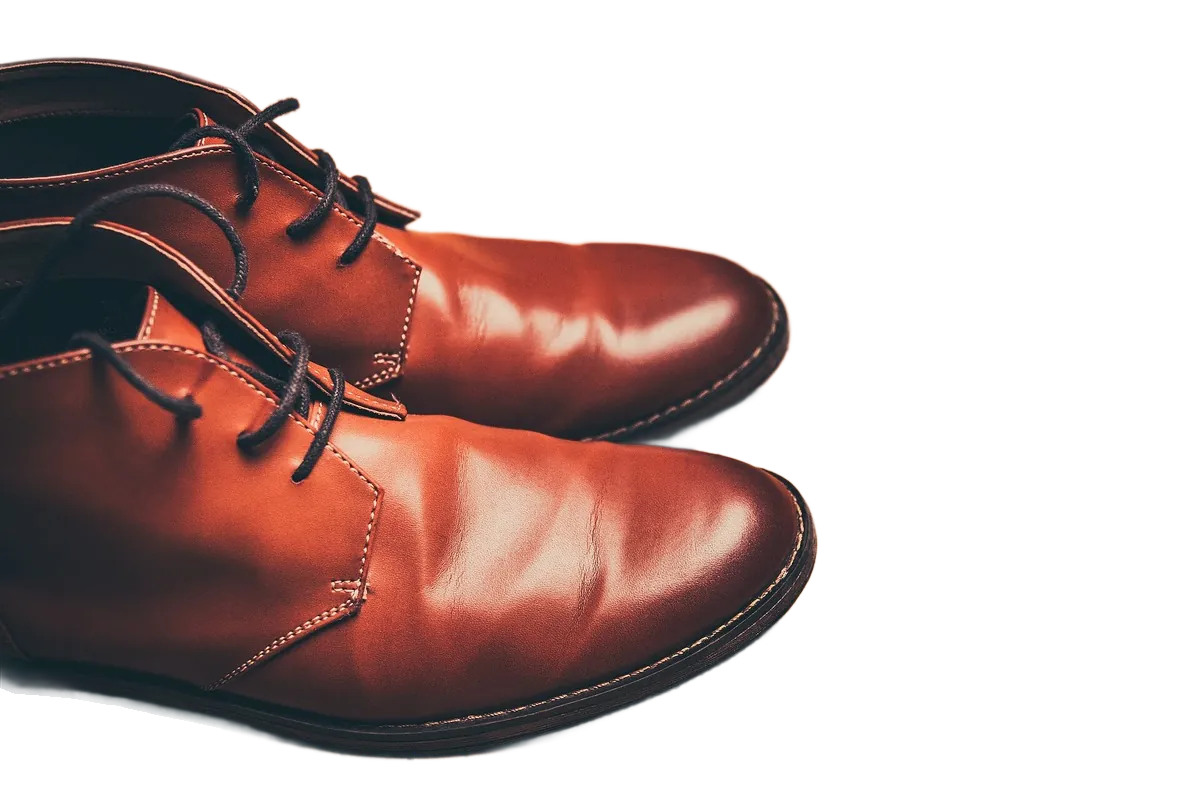
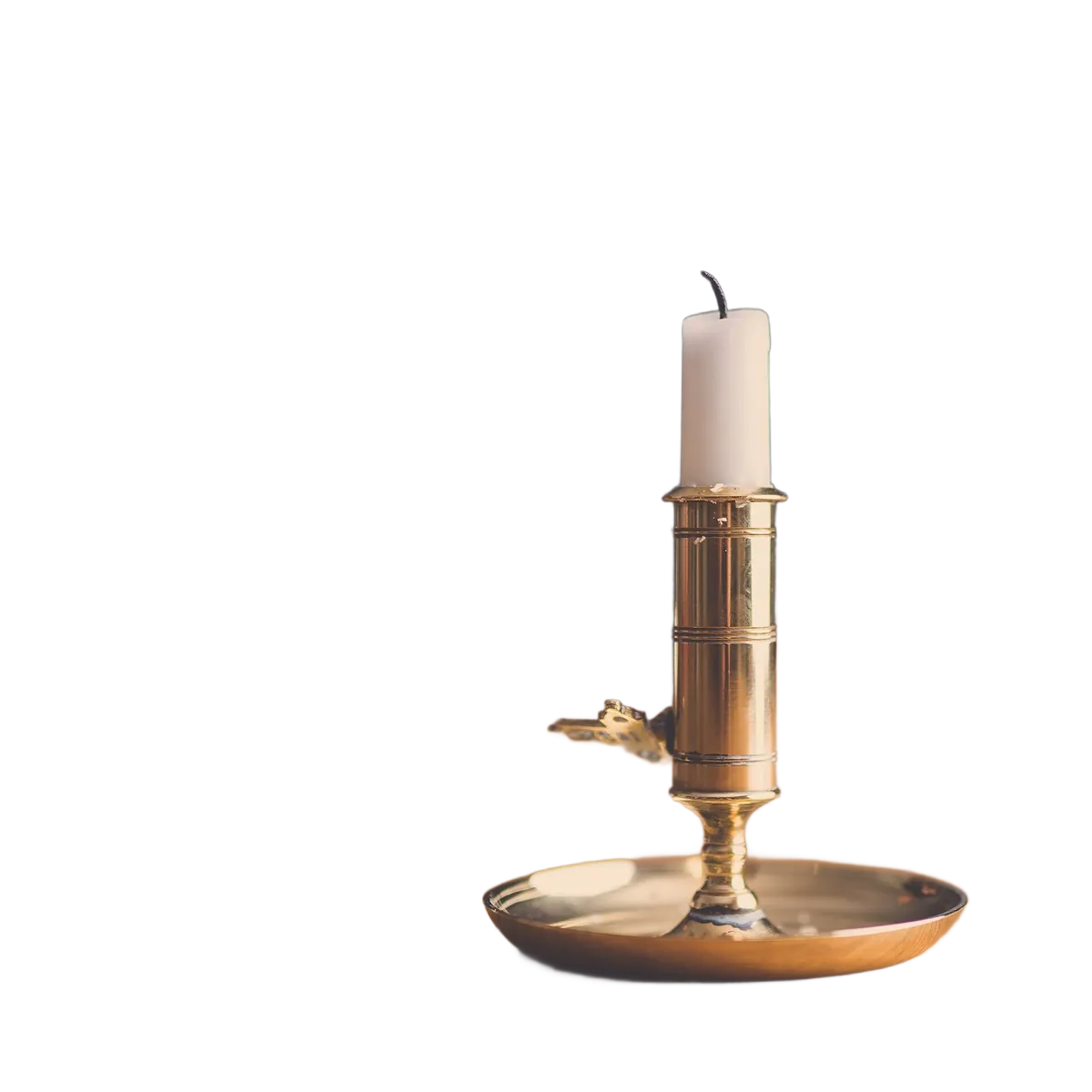
Photos by Radek Skrzypczak and Janko Ferlič, first published on Unsplash under CC0 (public domain), via Wikimedia Commons; cut out by LassoCut through the API with the same settings: type=auto, full size, PNG. The chequerboard shows the transparent background.
In the batch tool, a folder keeps its shape:
shoot/                 results/
  shoes/boots.jpg        shoes/boots.png
  home/candle.png   →    home/candle.png
  notes.txt              (ignored: not an image)
How to use it
In the browser
- Open the batch tool and sign in with GitHub or Google.
- Choose a folder or photos. JPG, PNG and WebP files are kept, and other files are counted and skipped.
- Pick the size (preview or full size, up to 25 MP), the background (transparent, white or a colour), the format (PNG, JPG or WebP) and where to save.
- Read the estimate (photos, free previews, credits and your balance), then press Start.
The tool sends 3 photos at a time and retries by itself when the API answers 429 or 503. If your credits run out, it stops; buy credits and press Start again, and finished photos are skipped.
From the command line
lassocut --size full --output-directory out/ photos/. Images already done are skipped unless you add --reprocess-existing; --confirm-batch-over asks before a large batch; --concurrency defaults to 4. See the CLI guide.
With the API
A shell loop is enough for a folder of JPGs:
mkdir -p out
for f in photos/*.jpg; do
  curl --fail-with-body -s -H "X-Api-Key: $LASSOCUT_API_KEY" \
       -F "image_file=@$f" \
       -F "size=preview" \
       -o "out/$(basename "${f%.*}").png" \
       https://api.lassocut.com/v1.0/removebg || echo "failed: $f"
done
Run against the production API on 29 September 2026 on a folder of two JPGs: two responses with HTTP 200 and image/png, X-Credits-Charged: 0.25 each, two PNG files in out/. Use size=full for the final run.
What helps on a large run
- Retries don't pay twice: a result is kept in memory for up to 10 minutes, so the same request sent again (same image and settings, or the same
Idempotency-Keyheader) gets it without a second charge. Retry 502, 503 and 504 after a short pause. - Rate limit: 500 megapixel-images per minute per account. An image counts as the megapixels of the photo you send, rounded up, with a minimum of 1, whatever size you ask for: a 12 MP photo counts 12, even for a preview. On a 429, wait for the
Retry-Afterseconds. - Errors cost nothing, and each one says why in JSON: a file that is too large or not an image does not stop the rest of the run.
- Costs are readable: every result carries
X-Credits-Charged, andGET /v1.0/accountreturns your balance free of charge.
Honest limits
- Input: JPG, PNG or WebP, up to 22 MB and 50 MP each. The batch tool offers preview and full size (25 MP); for 50 MP, use the CLI or the API.
- Saving straight into a folder needs Chrome or Edge; other browsers get a ZIP.
- The batch tool runs in your browser tab: keep it open until the run ends. For runs that must survive a closed laptop, use the CLI on a server.
- Every photo is processed with the same settings. Sort photos that need different settings into separate runs.
What it costs
| Batch | Pack | Price | Per full-size photo |
|---|---|---|---|
| 100 photos | 100 credits | $9 | $0.09 |
| 1,000 photos | 1,000 credits | $39 | $0.039 |
| 10,000 photos | 10,000 credits | $249 | $0.0249 |
Prices in US dollars from the pricing page: 1 credit per full-size image, 0.25 credit per preview, 50 free previews a month (up to 10 a day). No subscription, and purchased credits do not expire.
Try it on your own photo
Drop an image on the home page to see the cut-out, then create an account for 50 free previews a month (up to 10 a day).
See also: batch tool · e-commerce · photographers · white backgrounds for Amazon · CLI guide · pricing.