Remove the background from Shopify product photos
Shopify stores look tidiest when every product sits on the same plain background, in the same frame. LassoCut cleans the backgrounds before you upload: a whole folder in the browser, a large catalogue through the API, or new photos through an automation. There is no LassoCut app inside Shopify; you upload the results the usual Shopify way.
What Shopify recommends for product images
Quoted from Shopify's help center page “Product media types”, read on 1 October 2026. Shopify can change its guidance: check the page before a large upload.
- Format: “The best file type for most product images is PNG, followed by JPEG.” WebP, HEIC, GIF and a few other formats are also accepted.
- Size: “For square product images, a size of 2048 x 2048 px usually displays best.”
- Limits: images can be up to 5000 × 5000 px, or 25 megapixels, and must be smaller than 20 MB.
- Consistency: to make images display at the same size, use “a consistent aspect ratio” for all your featured, or main, images.
Shopify's page does not require a particular background colour. A plain white or transparent background is a style choice for your theme, and it is what makes the consistent look easy to keep.
A real example
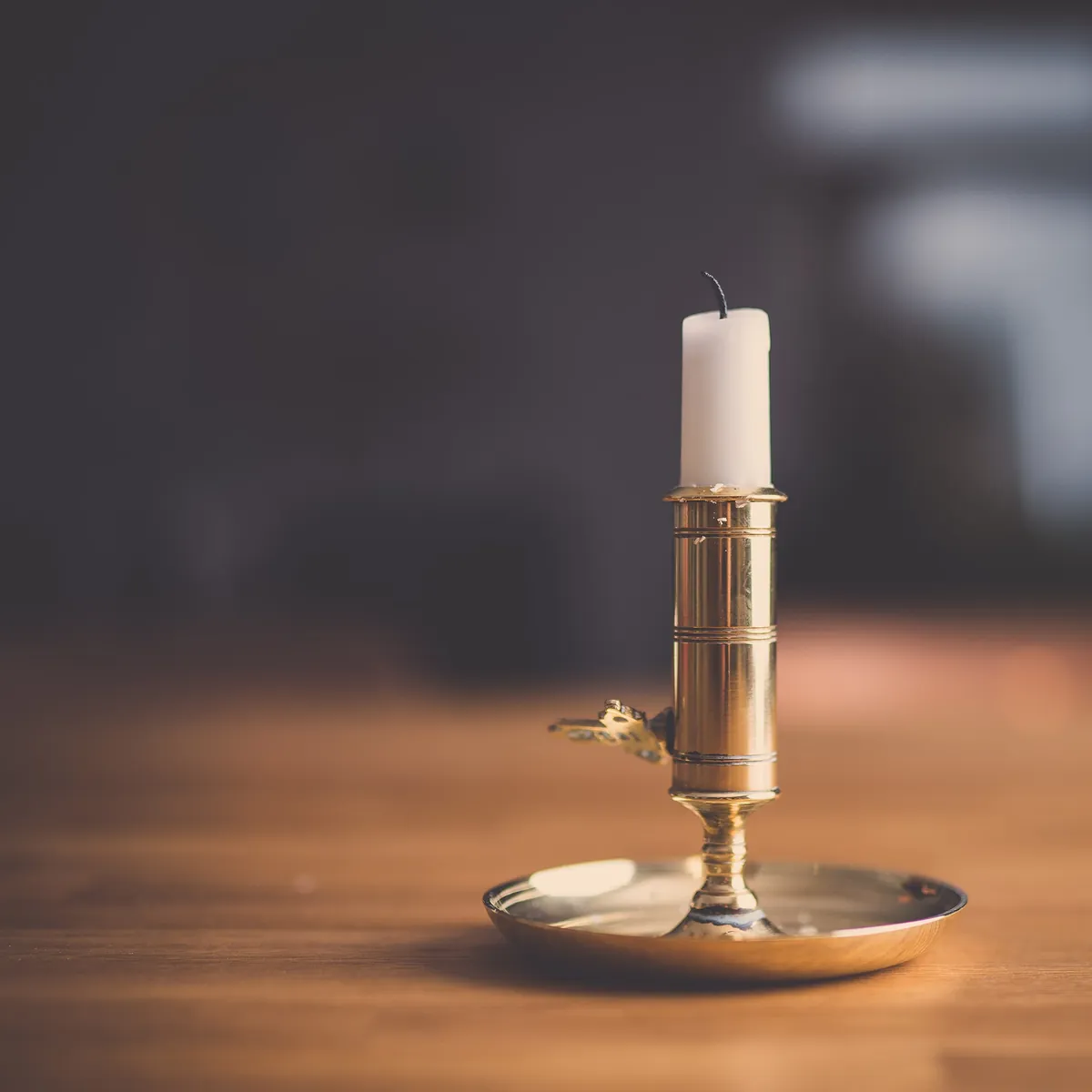
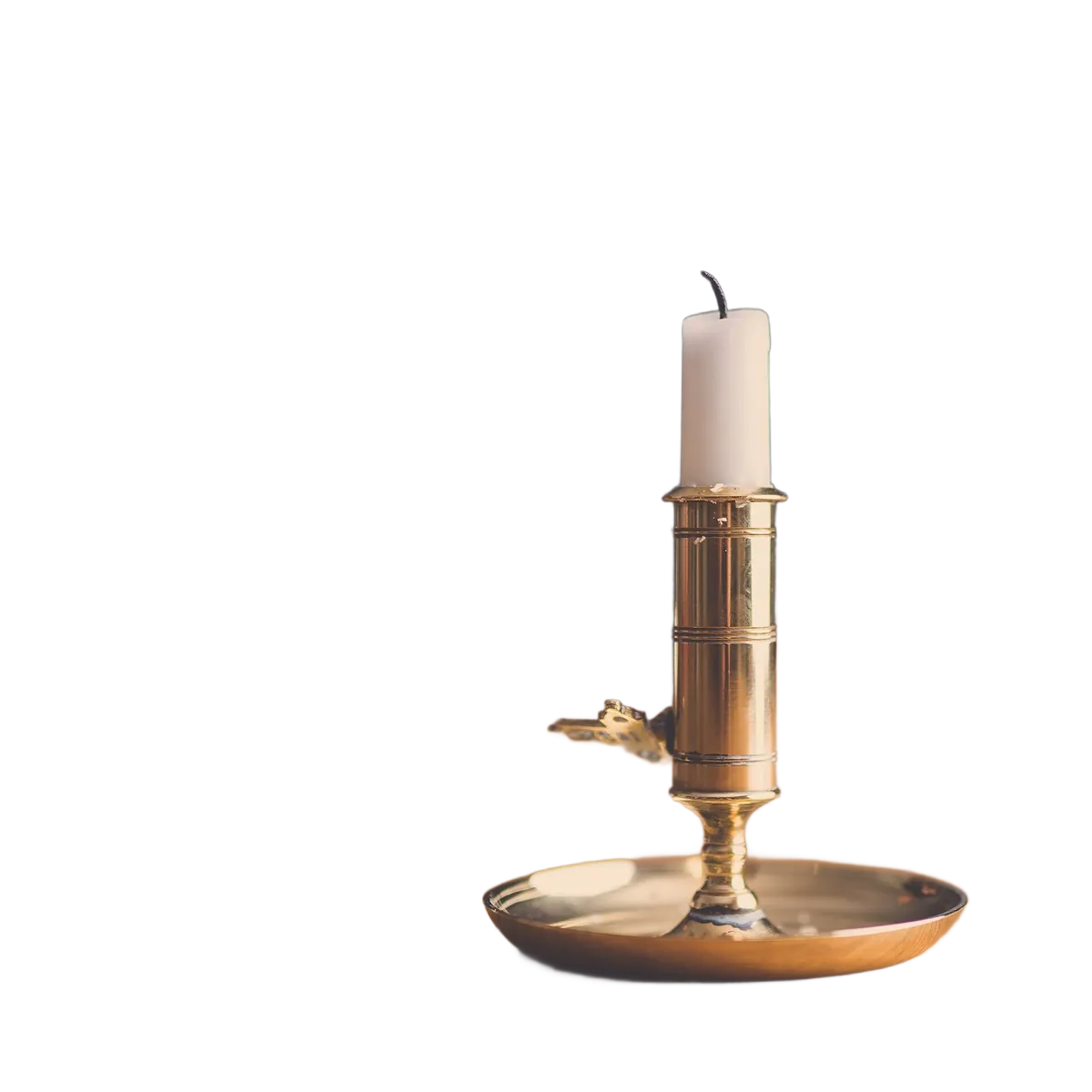
A square photo, the shape Shopify's 2048 × 2048 suggestion refers to. Photo first published on Unsplash under CC0 (public domain), via Wikimedia Commons; cut out by LassoCut through the API. Drag the slider to compare.
Three ways to clean your product photos
LassoCut has no Shopify app and is not listed in the Shopify App Store. It works on your photos before they reach Shopify, so the same credits serve your store, your marketplaces and your social posts.
1. A folder of photos: the batch tool
Open the batch tool in your browser, choose the folder of a shoot, pick Full size, a White or Transparent background and the format, and get every result back in a folder or a ZIP. Your originals are not touched. Nothing to install. It accepts JPG, PNG and WebP, up to 22 MB per photo: convert HEIC photos from a phone to JPG first.
2. A large or recurring catalogue: the API
If you add products every week or manage thousands of SKUs, call the LassoCut API from a script: one request per photo, with size=full, bg_color=ffffff and format=jpg for white, or no background for a transparent PNG. The guides have ready-to-run examples in curl, Python, Node.js and PHP.
3. New photos as they arrive: n8n, Zapier or Make
To process photos without running anything by hand, add a LassoCut step to an automation: n8n, Zapier or Make. A typical flow watches a cloud folder for new product photos, sends each one to LassoCut and saves the cut-out for the next step. In Zapier, the LassoCut step can take an image from another app, Shopify included, and pass the cut-out on.
Uploading the results to Shopify
This is standard Shopify, as its help center describes it, read on 1 October 2026:
- One product at a time: in the product's Media section, click Upload new or drag and drop the files; Select existing then Add from URL imports an image from a link. Shopify allows up to 250 images, 3D models or videos per product. Source: Adding product media.
- Many products at once: a product CSV import with an image URL in the Image Src column; Shopify “downloads the images during the import and re-uploads them in your store”. The URLs have to be publicly accessible, over https, without a password, so you host the cleaned images somewhere first. Source: Using CSV files to import and export products.
Shopify also notes that a CSV import can finish successfully and still skip images, so check a few products after the import.
What it costs
Full-size cut-outs, the size you need for Shopify's 2048 × 2048 suggestion, for a small shop, a growing catalogue and a full catalogue refresh.
| Volume | Pack | Price | Per image |
|---|---|---|---|
| 100 product photos | 100 credits | $9 | $0.09 |
| 1,000 product photos | 1,000 credits | $39 | $0.039 |
| 10,000 product photos | 10,000 credits | $249 | $0.0249 |
Prices in US dollars from the pricing page: 1 credit per full-size image; a 100,000-credit pack is $1,500. Every account gets 50 free previews a month (up to 10 a day), enough to test the look on a few products; previews are up to 0.25 MP, too small for a product page. No subscription, and purchased credits do not expire while your account is open.
Output tips for a consistent store
- White background, JPG:
bg_color=ffffffwithformat=jpg(or White and JPG in the batch tool). Lighter files, and the same pure white on every theme. - Transparent background, PNG: no
bg_colorandformat=png. Useful when your theme puts products on a coloured card. LassoCut's PNG output is capped at 10 MP, well above 2048 × 2048 (about 4.2 MP). - Same framing on every product:
crop=truewithcrop_margin=5%crops each result to the product plus the same margin;scale=80%withposition=centerkeeps the photo's frame and places the product in it. See crop and framing. - Square images: LassoCut has no fixed canvas or aspect-ratio option. For the consistent aspect ratio Shopify asks for, start from square photos and use
scaleandposition, or pad the results to a square afterwards. - Batch and crop: the batch tool has no crop option yet. For cropped batches, use the API or the command-line tool.
Questions
How do I remove the background from Shopify product images?
Process the photos with LassoCut before uploading them: the batch tool for a folder, the API for a large catalogue, or an n8n, Zapier or Make automation for new photos. Then upload the results in the product's Media section or through a product CSV import.
Is there a LassoCut app for Shopify?
No. LassoCut has no Shopify app, no listing in the Shopify App Store and no partnership with Shopify. It is an independent tool that prepares your images before you upload them.
What image size should Shopify product photos be?
Shopify's help center says that for square product images, 2048 × 2048 px usually displays best, and that images can be up to 5000 × 5000 px or 25 megapixels, under 20 MB (source, read on 1 October 2026). LassoCut's full size keeps your photo's resolution up to 25 MP.
Can I process my whole catalogue at once?
Yes. The batch tool takes a whole folder, subfolders included, and keeps the folder structure in the results. For thousands of photos or a recurring job, a script against the API is easier to rerun.
White or transparent background?
A white JPG is lighter and looks the same on every theme; a transparent PNG lets your theme's own background show through. Shopify lists PNG first and JPEG second as the best file types for product images. Pick one and use it for every product.
Will LassoCut overwrite my original photos?
No. The batch tool writes results to a separate folder or a ZIP, and the API returns a new file. Your originals, and the images already on Shopify, stay as they are.
Try it on your own photo
Drop an image on the home page to see the cut-out, then create an account for 50 free previews a month (up to 10 a day).
See also: e-commerce stores · marketplace listings · batch tool · all platforms · pricing · other use cases.
Related features: batch processing · backgrounds · crop and framing · integrations.